
Download from Mods4Ever.com.
Use vanilla/GOTY (optionally with Lay D Denton) to get all of the Randomizer’s features, best QoL improvements, and the most polished experience. Our installer has an option to install Lay D Denton for you automatically. We also support Revision, GMDX, HX, and Vanilla? Madder.
If you’re experiencing objects warping and drawing on top of each other incorrectly when using the D3D10 renderer, you can use the D3D9 or OpenGL renderer (and check the Rando ➜ Visuals menu for Brightness Boost).
Trailers
Click to show trailers
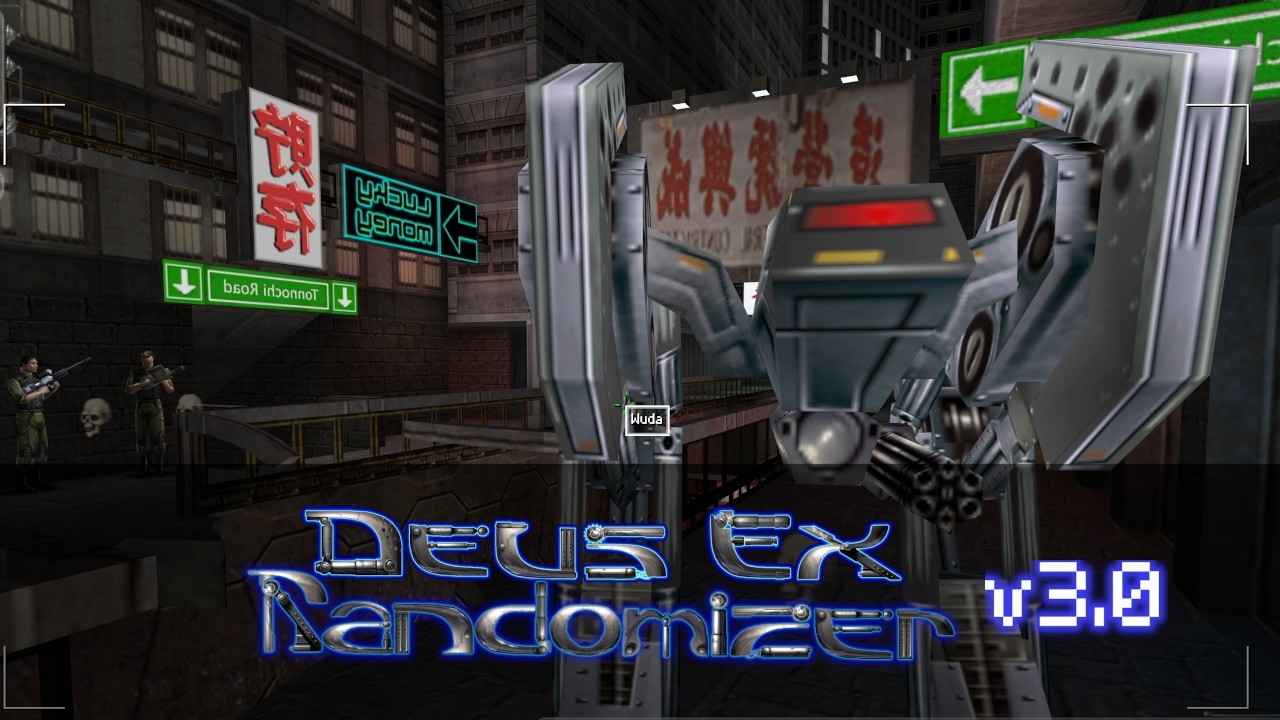
If you don’t know what Deus Ex Randomizer is, then here’s our trailer which shows a breakdown of how it works:
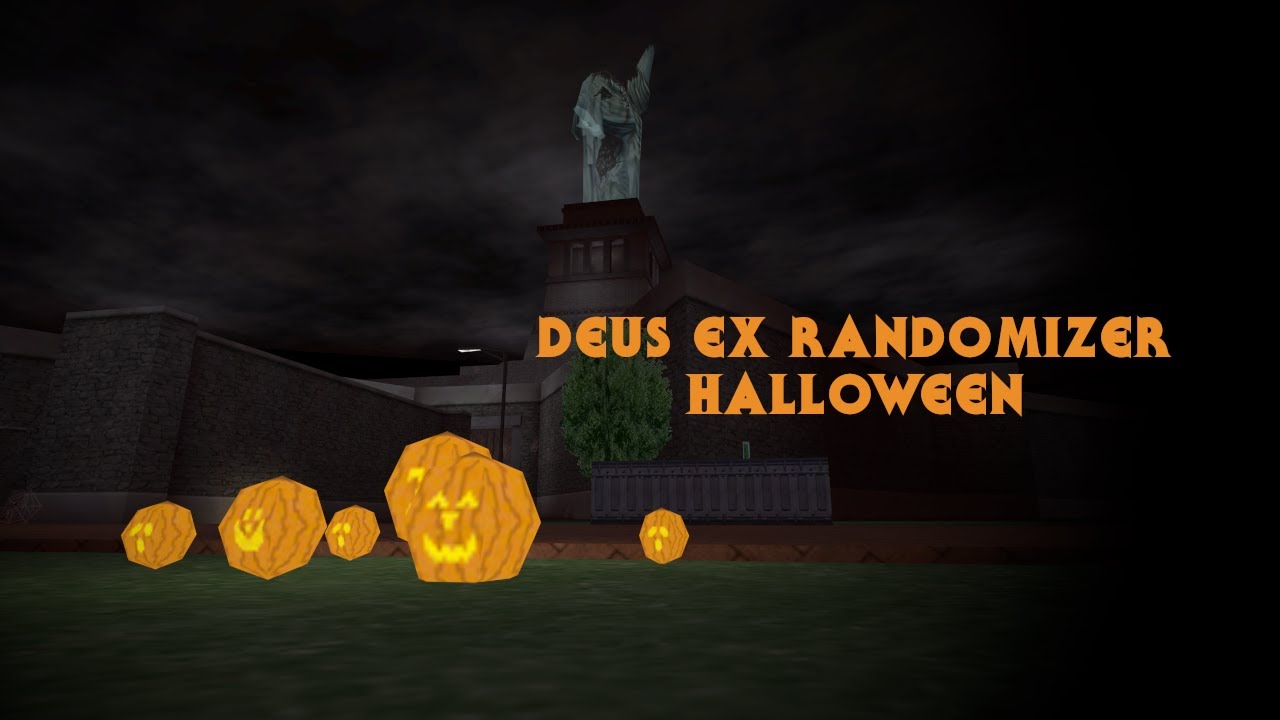
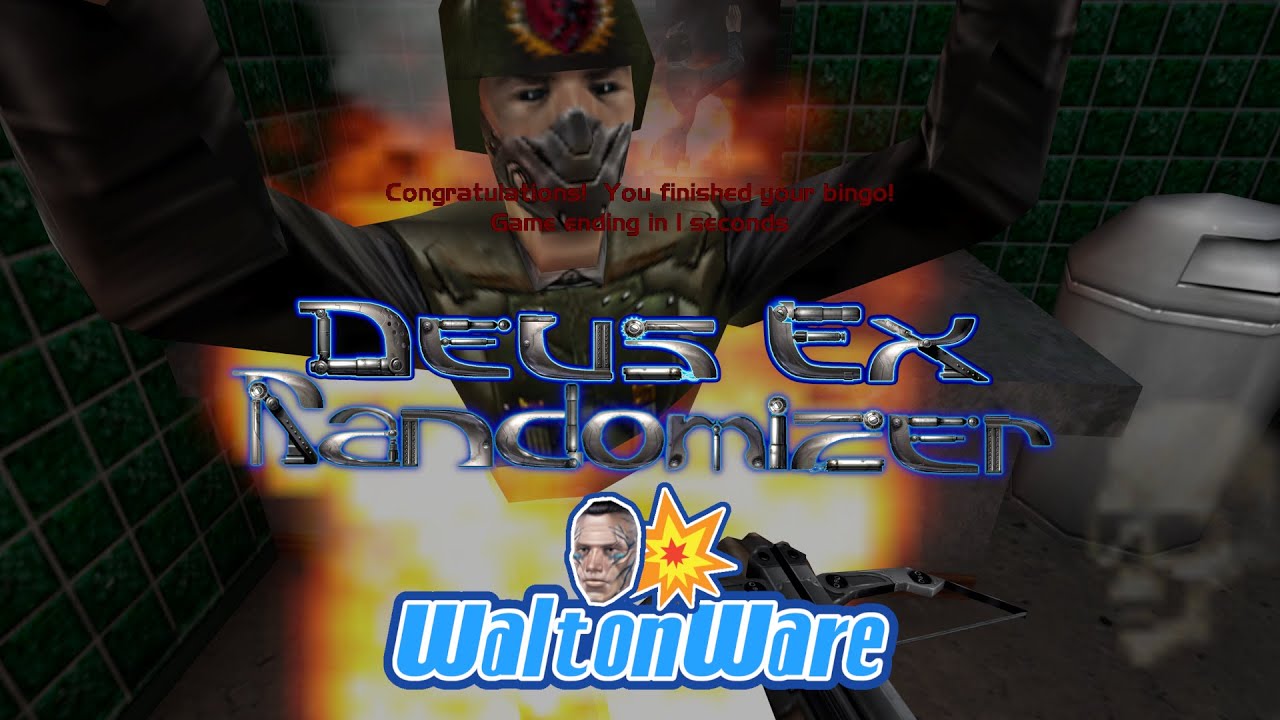
Here are trailers for our Halloween modes, WaltonWare, and Vanilla Fixer/Zero Rando:

See the full README here. Also check out our Discord and Mods4Ever.com
And make sure to check out our ongoing DXRando speedrun tournament! Also on PeerTube here.
Major Changes
- The installer will now install DeusExe V9.0.1 when installing Kentie’s Launcher, a newly updated version with various bug fixes and improvements.
- For more information, see the DeusExeModern Repository.
- The installer will now default to installing an updated set of renderers for Direct3D 9, Direct3D 10, and OpenGL.
- The Direct3D 9 and 10 renderers are still listed as “Direct3D10 Renderer” and “Direct3D9 Renderer”, while the new OpenGL renderer is listed as “OpenGL 1.x Renderer”
- All three of these renderers now behave similarly, including properly adjustable brightness which can be captured by streaming software.
- If these renderers present issues, the “Legacy” renderers are still available under the “Advanced” settings of the installer.
- Please report any renderer issues that you might see!
- For more information, see the UnrealEngine1Renderers Repository.
- Slightly reduced lock strength of doors that have randomized lock strength. Also slightly reduced randomized lockpick quantities to compensate.
- Increased the New Game+ minimum value for lockpicks and multitools from 5% up to 10%.
- Datacube with the Aquinas Router door code in Area 51 Sector 4 (Mission 15) now has a harder set of potential locations, so it won’t be quite as easy to find.
- Hazmat suits now protect against initial Poison damage, but not the recurring damage. In Zero Rando (or when balance changes are disabled) we’re still using the vanilla behavior of giving resistance to both. Environmental Resistance augmentation always protects against both.
- New options to allow randomly spawning augmentation canisters (“Aug Can Chance %”) and augmentation upgrade canisters (“Aug Upgrade Chance %”) in maps, instead of them always appearing in the same maps they would normally appear in.
- GMDX/Revision: Support for the “Quick Skills” and “Quick Augs” menu which allow upgrading skills and augs without entering the regular menu screens.
- The key to open the “Quick Skills” menu can be configured by binding the option for “Activate Multiplayer Skill Menu” in the Keyboard/Mouse menu.
- The key to open the “Quick Augs” menu must be bound manually. In the GMDXUser.ini or RevisionUser.ini file, go to the [Engine.Input] section and find the key you want to bind to open the “Quick Augs” screen. Change it so that it maps to UpgradeAugs, eg. to make G open the menu:
G=UpgradeAugs
- Two new beta game modes: Edge of Tomorrow and Edge of Halloween. No saving allowed, when you die you go back to the start of the seed but you get to keep your skills and skill points.
- New beta game mode: WaltonWare x3
- Support for Revision v1.7.5 (we hotfixed this in today, so if you downloaded v3.8.1 earlier today and it isn’t working, try downloading again)
GMDX Major Changes
- First beta of GMDX Augmented Edition Randomizer! Built for GMDX AE 1.3 Beta 23 which is available in their Discord. We’ll let you know when they release a public version.
- When loading an old save, you may experience some oddities until you progress to a new map. We would recommend progressing until the end of a mission before updating, or start a new game.
- Fixed Camera option now available.
- Third Person camera option now shows over the shoulder instead of looking at JC’s butt.
- Assistive aiming laser now available for non-first-person camera modes.
- Larger heals are now more balanced across the body, instead of focusing on one limb at a time.
- Automatic Weapon Mod Apply now available. Right click a weapon mod while holding a weapon that can have that mod applied to it to instantly apply that mod to the weapon.
- It is no longer possible to softlock yourself out of the Tong ending if you move across the Reactor lab control room too fast after activating the reactors. (Fixes a baseline GMDX bug)
- A new “GMDX Stamina” option under the Advanced settings of the New Game screen to enable or disable the stamina system. Zero Rando will default to using the same system to determine if stamina should be enabled or not (Either if the “Stamina System” option in the GMDX settings is enabled, or if you’re playing Hardcore). Outside of Zero Rando, the stamina system will be disabled by default.
- A new “Overwhelming Odds” option under the Advanced settings of the New Game screen to enable or disable Overwhelming Odds. This option enables the extra enemies from Hardcore without the additional modifiers.
- A new “GMDX Difficulty” option under the Advanced settings of the New Game screen to select which set of NPC behavioural changes to apply, based on the original GMDX difficulty settings. Things like NPC awareness (How easily enemies hear or see you) increase as the “GMDX Difficulty” setting is increased, along with things like how much health certain enemies have. This option also includes enabling Hardcore or Hardcore+ modes.
And many other changes listed on the linked GitHub page!
You must log in or register to comment.